


Meet Bigfoot Browser.

One browser. The whole web—and beyond.

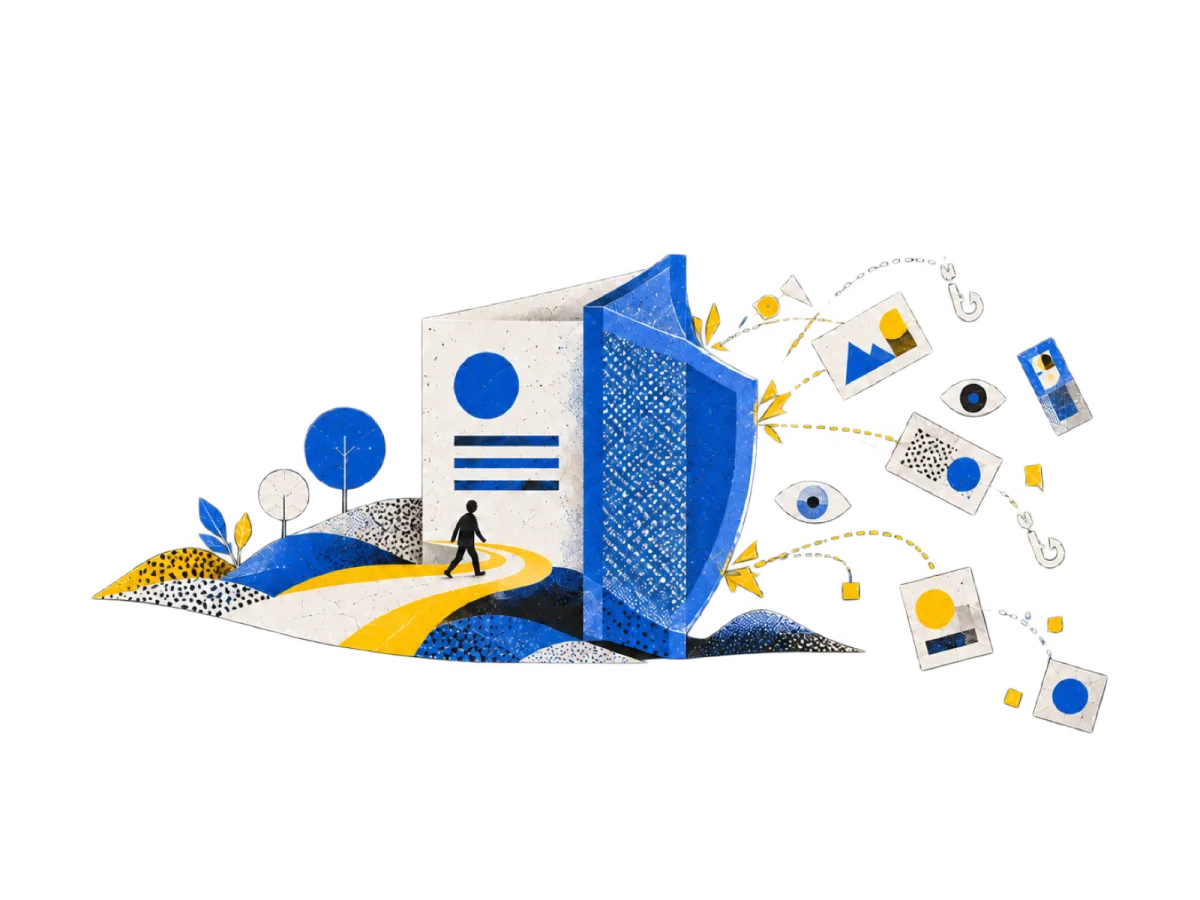
A person walks a sunlit path into a page while a shield turns away trackers and ads.

It starts private

Private by default.

Trackers and ads are blocked before they load, and each site's data and permissions live in one place.

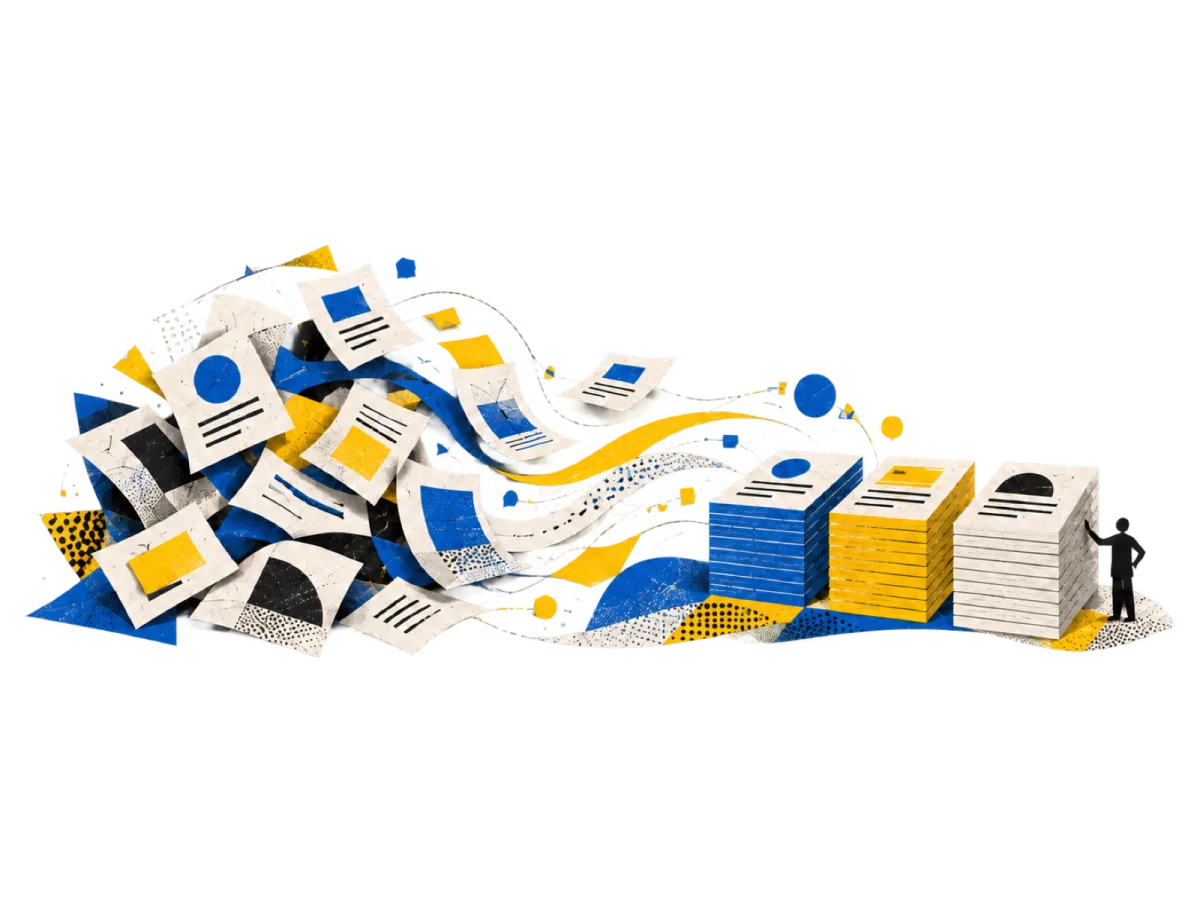
Scattered pages settle into three neat stacks, one for each project.

Tab groups

Projects, not piles.

Group tabs by what you're working on, and see every group's tabs at a glance in Tab Gallery.

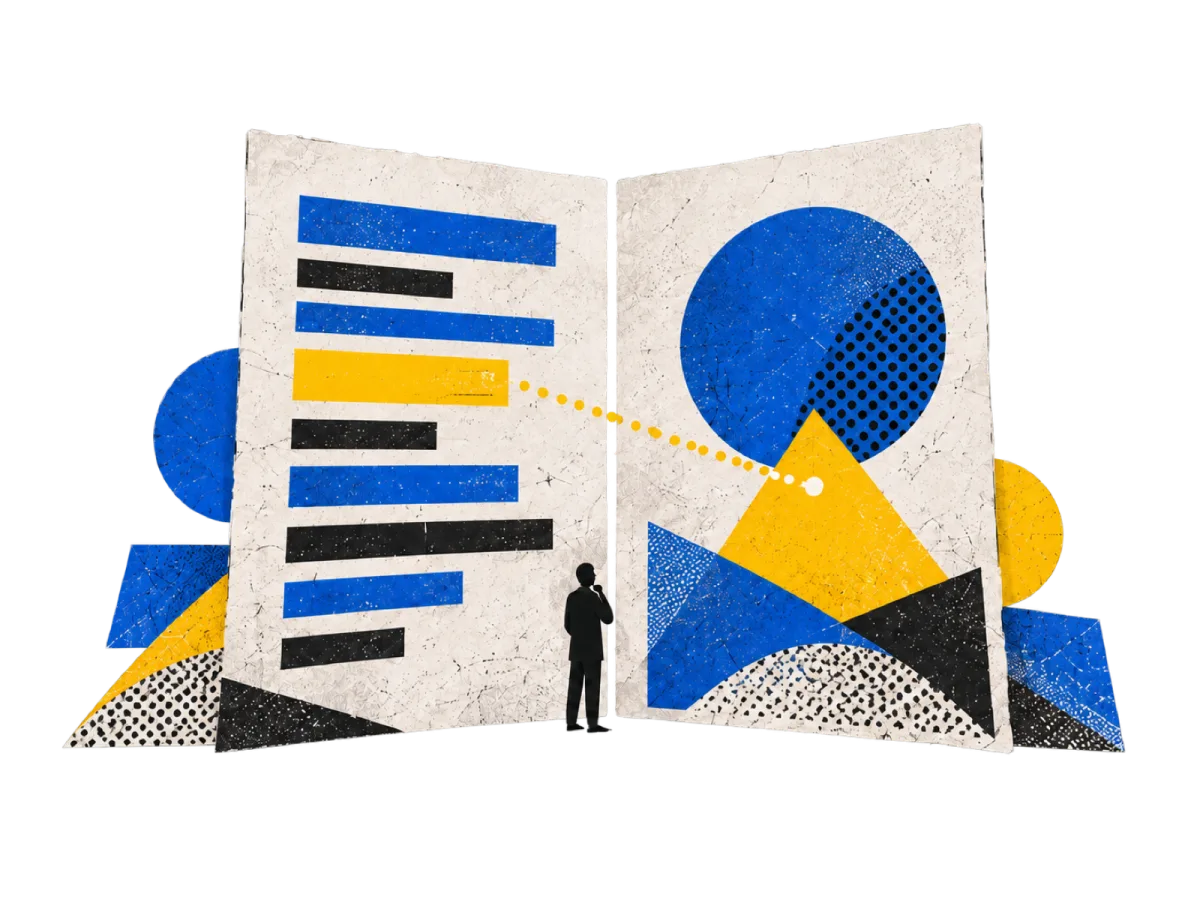
Two pages stand side by side, with a dotted line joining a passage on one to a shape on the other.

Tiles

Two pages. One view.

Open pages side by side and work across them without switching back and forth.

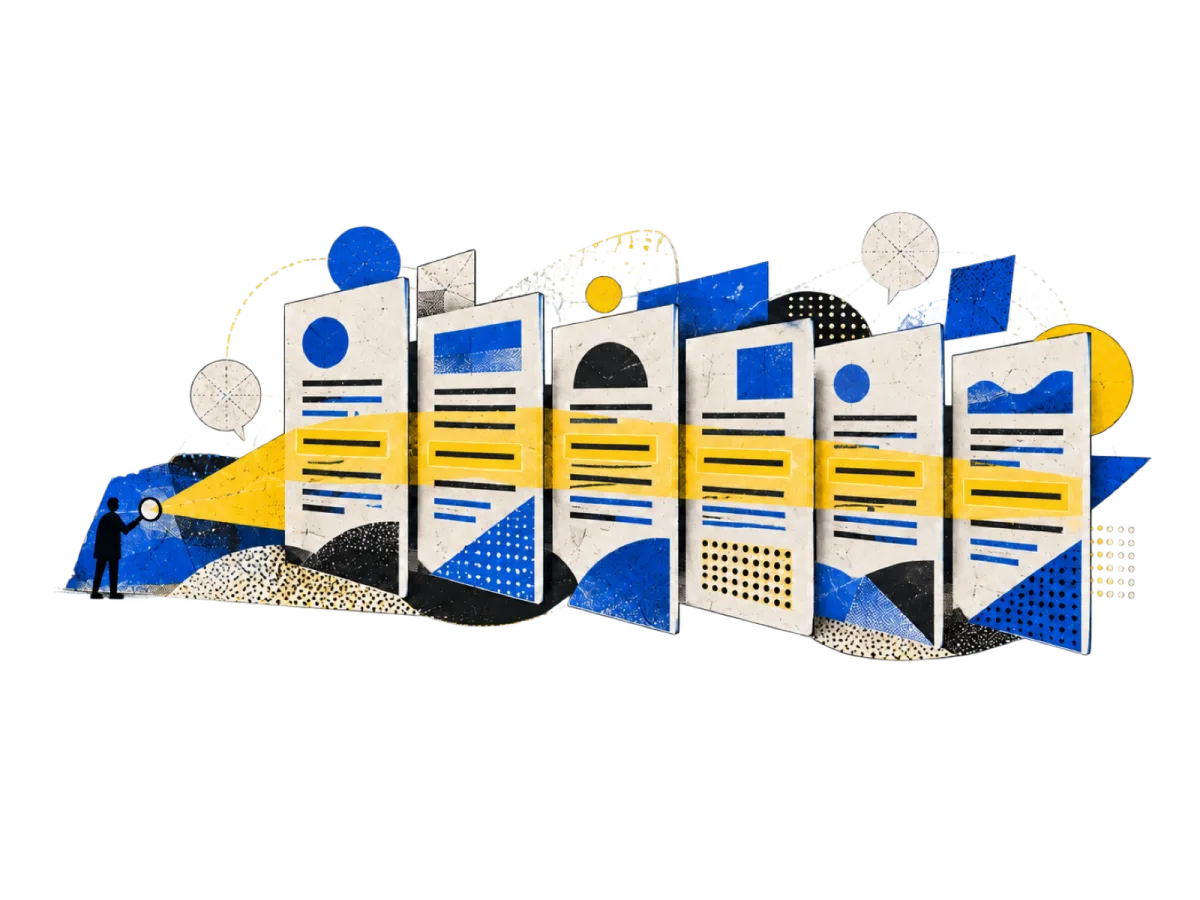
A searchlight sweeps across a row of pages and highlights a match on each one.

Find

Find, finally.

The most powerful Find in any browser. Every tab, every match, one search away.

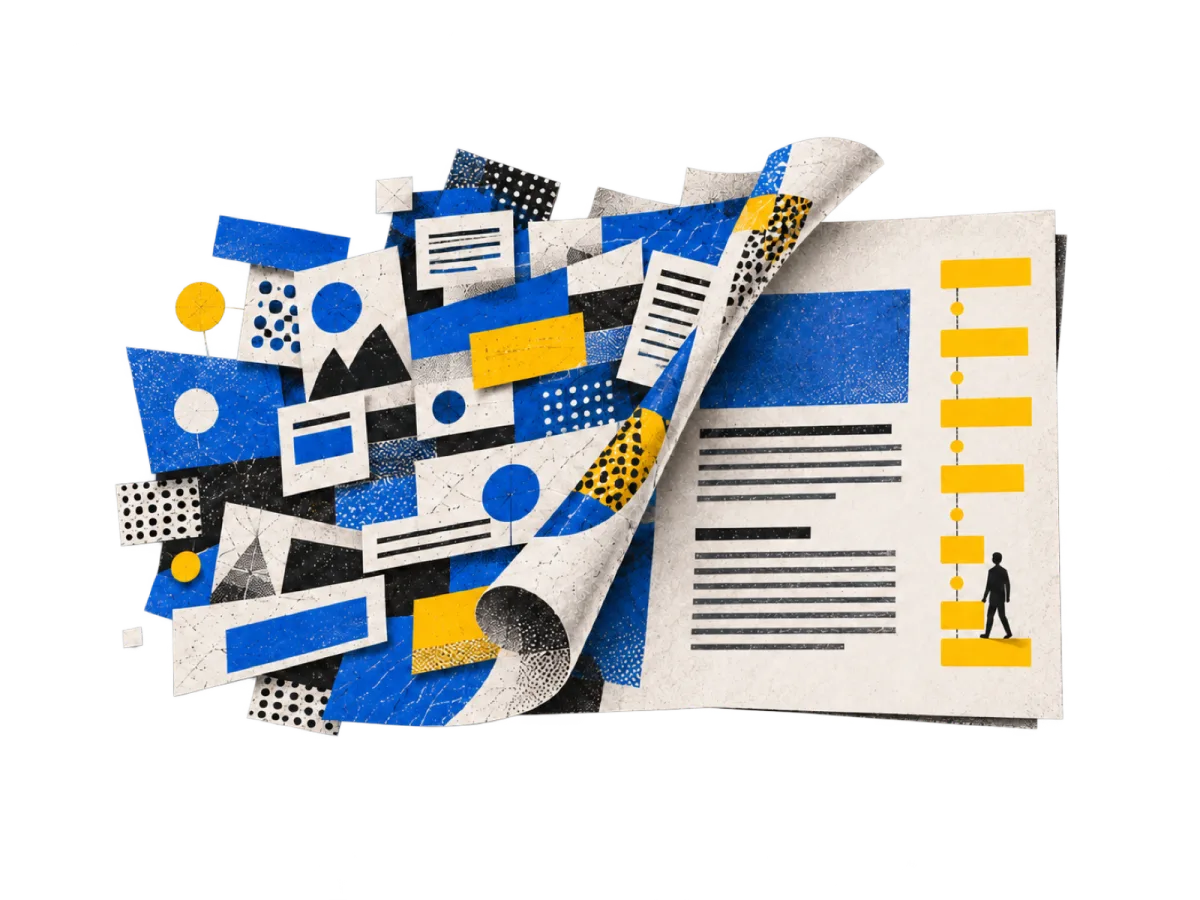
A cluttered page peels away to reveal clean text, with a column of headings beside it.

Reading

Read without the noise.

Article View strips a page down to what you came for, and Outline turns its headings into a map.

A person pins a note to a page of highlighted lines, under a string of pinned pictures.

Keep

Keep what matters.

Highlight a line, leave yourself a note, or pin a passage to come back to.

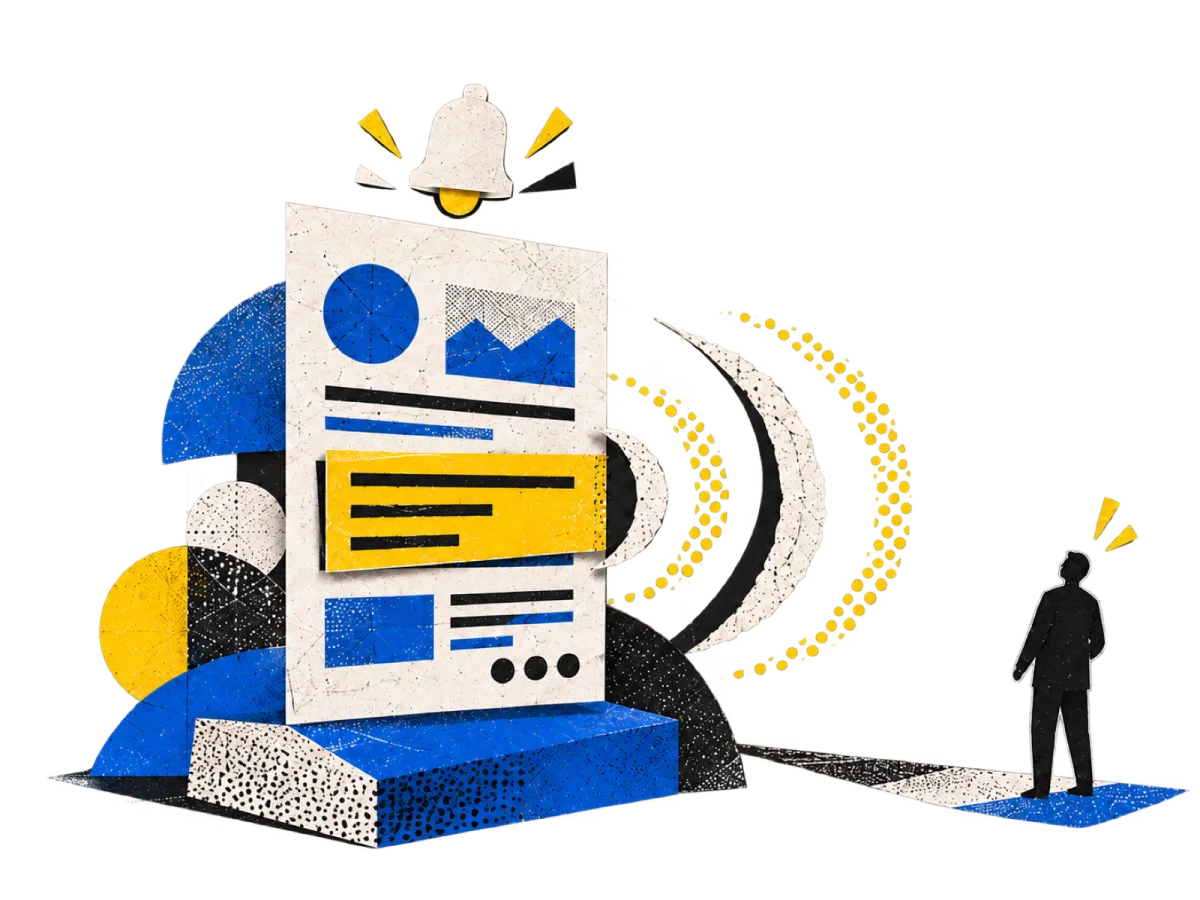
A bell rings above a page as a highlighted passage changes, and a person nearby looks up.

Page Monitors

Know when it changes.

Watch the part of a page you care about, and Bigfoot tells you when it changes.

A page with a highlighted line connects to the sources beneath it, where people examine each one.

Bigfoot Footnotes

Peer-reviewed notes for the whole web.

See the sources behind a passage, in footnotes reviewed independently before they're published.

Groups of people gather on pages across the web, their conversations joined by dotted paths.

The social web

The web, with people in it.

When you want company, turn on the social layer and see what people are saying about the pages you read. Turn it off, and the web is yours alone.

Available on

macOS, Windows, and Linux.

Download Bigfoot Browser for your computer, or get the mobile app from the App Store or Google Play.

Compare browsers

A different kind of browser.

Compare Bigfoot with

CapabilityBigfootChromeBraveFirefoxSafari
The web as a social networkFullNoneNoneNoneNone
Footnotes on any pageFullNoneNoneNoneNone
Highlights and notes on any pageFullNoneNoneLimitedNone
Blocks ads by defaultFullNoneFullNoneNone
Blocks third-party trackers by defaultFullNoneFullLimitedFull
No usage data sent to the vendor by defaultFullNoneNoneNoneFull
Doesn't use your browsing for advertising by defaultFullNoneFullFullLimited
No ads of its own by defaultFullNoneNoneNoneFull
Sync with no account, keys only you holdFullLimitedFullLimitedLimited

Chart describes default settings.

  • Full
  • Limited
  • None

Default settings, desktop, as of September 2026, with no extensions installed.

Bigfoot Browser

Rediscover the web.